
Collect and analyze feedback on the designed AI-augmented workflow prototype, categorize what works well, what needs improvement, any questions, and new ideas for future development.
Step 5. Feedback Capture
Click here to Start …………. Capture Feedback
Instructions
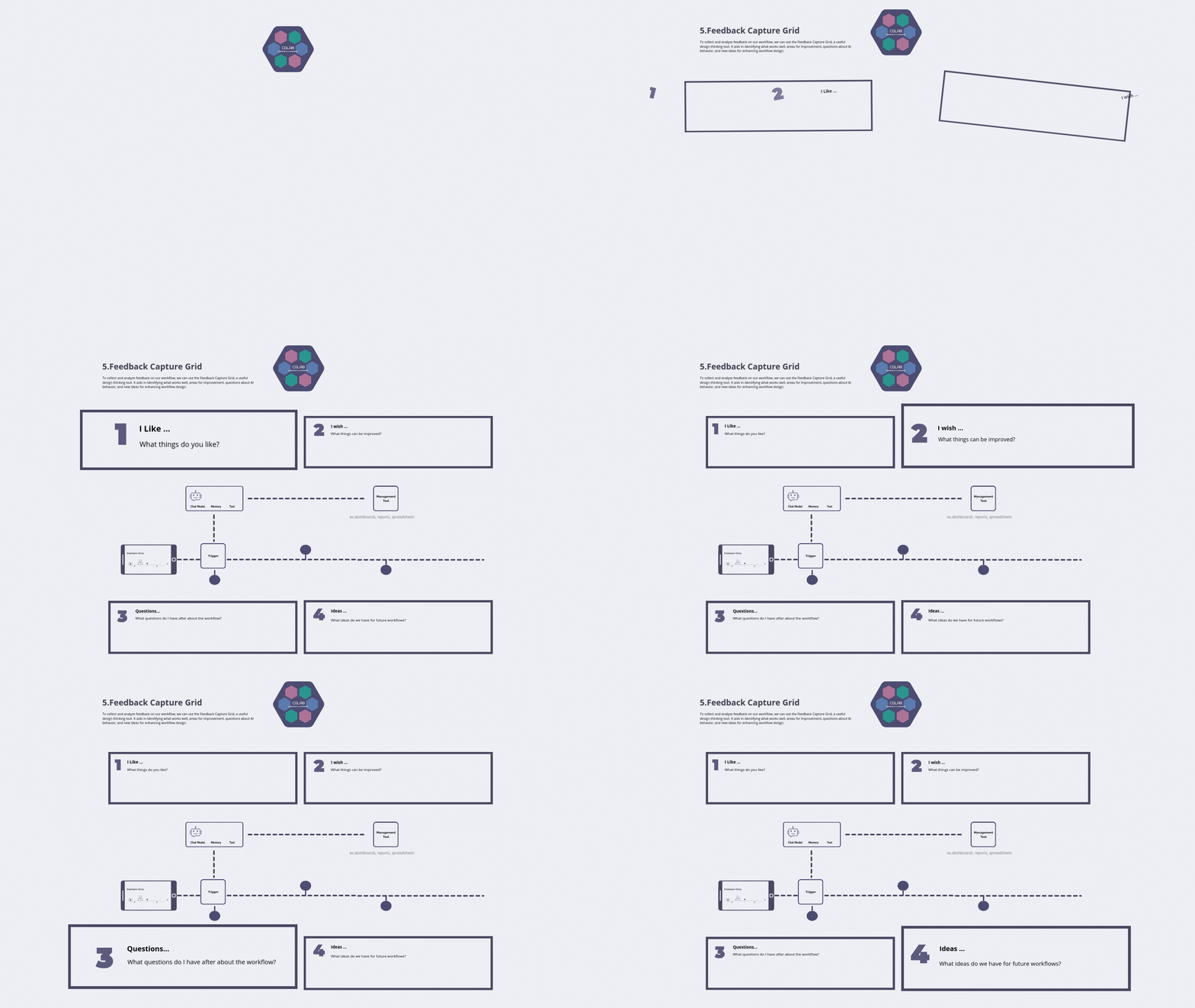
Step 1. Analyze the workflow prototype and document the things you like.
Step 2. Analyze the workflow and brainstorm what things can be improved.
Step 3. Document any questions we have about the workflow.
Step 4. Document any ideas we have for future workflows.
Capture Feedback
Group Size: 4-5
Duration: 30-60 mins
Materials Needed: Print Aligning Workflows, Pens, Markers and Post-its
Map Task png
Map Task pdf
Details:
To collect and analyze feedback on our workflow, we can use the Feedback Capture Grid, a useful design thinking tool. It aids in identifying what works well, areas for improvement, questions about AI behavior, and new ideas for enhancing workflow design.
Capture Feedback
The Feedback Capture Grid is a practical design-thinking method we can deploy to gather and examine responses about our workflow: by structuring feedback into categories—what’s working, what needs improvement, questions about AI behavior, and new ideas—we create a clear, actionable map of user experiences and pain points; this approach not only surfaces strengths to preserve and weaknesses to address, but also highlights uncertainties around AI interactions that require investigation and generates prioritized opportunities for iterative redesign, enabling focused experiments, measurable improvements, and clearer communication between team members as we refine the workflow.
-
Brainstorm improvements: Document areas in the workflow that need refinement or better design.
Clarify questions: Record any uncertainties or needed explanations about the workflow or AI behavior.
Generate new ideas: Note emerging concepts for future workflow iterations or features.
Analyze feedback categories: Use the grid structure to systematically group and review all types of feedback.
Prioritize development: Use the collected data to determine which improvements or ideas to focus on next.
Evaluate user acceptance: Assess employee reaction and adaptation to the new workflow prototype.
-
Collaborate work in small 4-5 team member groups to document feedback. Collect and analyze feedback on the designed AI-augmented workflow prototype, categorize what works well, what needs improvement, any questions, and new ideas for future development.Identify what works well: Capture positive aspects of the new AI-augmented workflow.
-
Step 1. Analyze the workflow prototype and document the things you like.
Step 2. Analyze the workflow and brainstorm what things can be improved.
Step 3. Document any questions we have about the workflow.
Step 4. Document any ideas we have for future workflows.
-
Use sticky notes for visual clustering and rapid ideation within the grid.
Encourage brutal honesty to capture genuine friction points, not just polite praise.
Timebox each quadrant (e.g., 5 minutes per section) to maintain momentum.
Focus the "What Works Well" section specifically on the AI/Human collaboration.
Ensure "Questions" cover both technical functionality and ethical implications of the AI's role.
Prioritize "What Needs Improvement" based on potential to restore human-centric focus.
Treat "New Ideas" as potential next-sprint features, not immediate requirements.
Use different colored pens or markers for clear separation of feedback types.
Have participants review and silently vote on the most critical points in the "Needs Improvement" section.
Conclude by creating 1-3 actionable next steps directly from the collected data.